Wefaceswap Blog
Uncover findings, developments, and innovative approaches transforming the world of business.

Ever Tried a Face Swap for Free? Here’s How I Got Creative with Wefaceswap
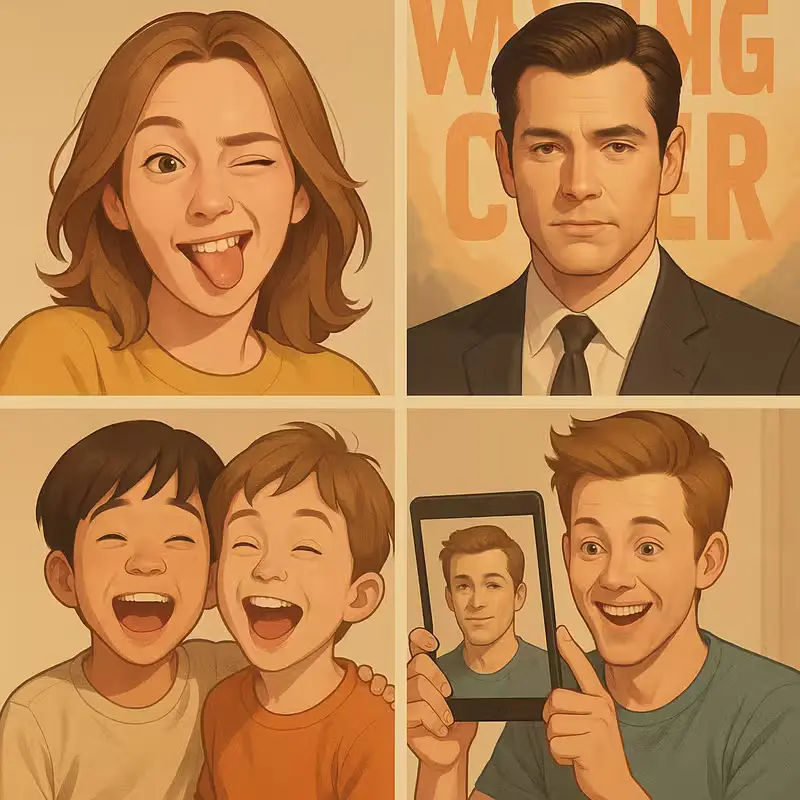
It started with pure curiosity. One lazy Sunday afternoon, I came across a post about Wefaceswap—an AI face-swapping tool that gives new users 2 free credits to try it out. I had nothing to lose and figured I’d just give it a go. I didn’t expect much—maybe a few funny photos at best. But what happened next was surprisingly fun, creative, and, in a weird way, kind of inspiring.
In this post, I’ll share how I used those two free credits and why I think it’s absolutely worth your time—even if you’re not super tech-savvy or into design tools. Whether you're a content creator, marketer, or just someone who loves experimenting with digital tools, you might find yourself hooked like I did.
So, What Exactly Are These Free Credits?
Every new user on Wefaceswap gets 2 free credits, and each credit lets you create one high-resolution, AI-powered face swap. Unlike some platforms, you don’t need to install software, input a credit card, or navigate complicated menus. Everything happens in your browser, on any device.
And yes, the quality is better than I expected.
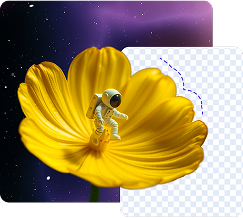
Wefaceswap AI - 배경 변경 기능을 갖춘 무료 매력적인 AI 만들기
- 매일 배경을 바꾸는 무료 배경 변경 AI
- 사진 및 비디오의 배경 변경
- 온라인에서 여러 배경 무료 변경
Getting Started: My First Face Swap
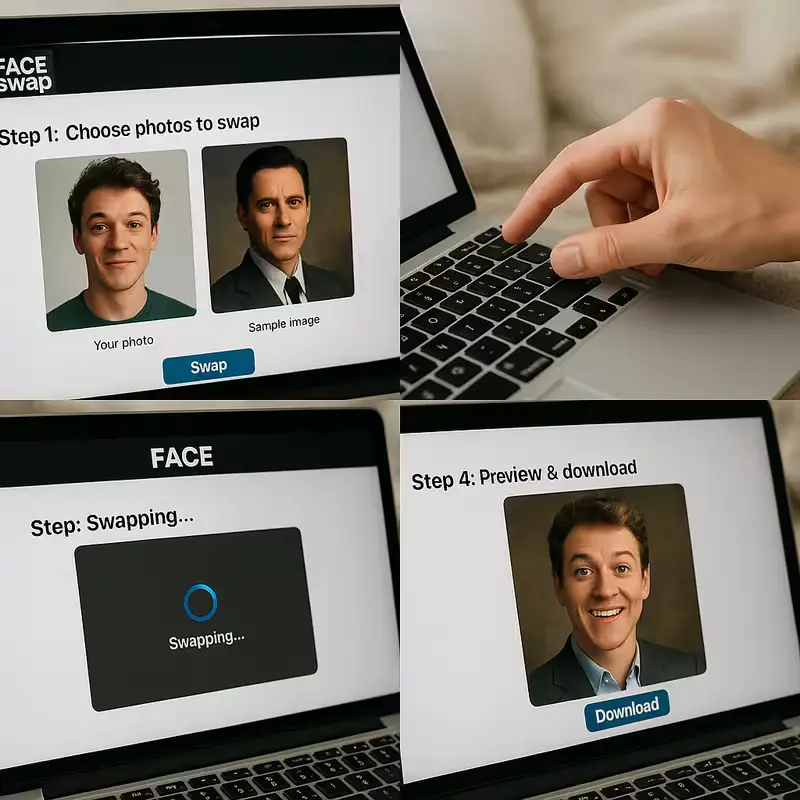
Here’s how my journey with Wefaceswap began:
Step 1: Easy Sign-Up
I created an account with just my email. The process was quick, no spammy verification loops. Within seconds, I was uploading photos and ready to explore.
Step 2: Choose Photos to Swap
I uploaded a goofy selfie and paired it with a sample image of a well-known actor (they provide a small library of test images if you don’t have one handy). The interface was intuitive—it clearly showed where the face swap would happen, and I could preview positioning before confirming.
Step 3: Let AI Handle the Rest
Once I hit the “swap” button, it took under a minute for the result to load. The output blew me away. The AI handled lighting, angles, and expressions with surprising realism. I’ve tried other face swap tools before, but Wefaceswap felt smoother, more natural.
Step 4: Preview & Download
The preview option saved me. On my first try, I didn’t like how my face was cropped, so I adjusted and swapped again. Only then did I use my credit to download the final image. Super efficient.
What Can You Really Do with Just 2 Credits?
Honestly? A lot more than you'd think. Here are the ways I made the most of mine—and how you can too:
1. See Yourself as a Celebrity
Ever wondered what you’d look like on a movie poster, magazine cover, or even as a pop star? I swapped my face with a famous K-drama actor—and it became my most-liked Instagram story that week.
Tip: Choose high-resolution celebrity images and match their angle with your photo for better results.
2. Family & Friend Mashups
I used a photo of my brother and swapped it with mine in a childhood picture. The result? Utter chaos, and we couldn’t stop laughing. It made for a hilarious group chat moment.
Tip: Try swapping with group photos to get unexpected (and often hilarious) results.
3. Mockup for Marketing
I work in digital marketing and wanted to test a visual for an ad. With Wefaceswap, I was able to swap in a face closer to my target demographic, giving me a quick visual without needing a photoshoot.
Tip: If you're in branding or product design, this can be a fast, free way to test visual ideas.
4. Artistic Inspiration
For a personal project, I combined elements from vintage photos and fictional characters. The results had a surreal, dreamlike quality. It actually sparked ideas for a collage series I’m now working on.
Tip: Don’t just stick to real people—experiment with old paintings, animation characters, or historical figures.
5. Before & After Comparisons
I created a "before-and-after" transformation where I used the same photo but altered the second one with different lighting and expression. Swapping the face gave it a cool “evolution” look, great for storytelling on social media.
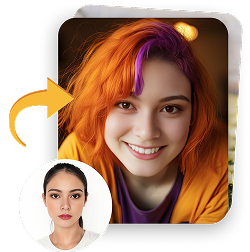
Wefaceswap AI - 얼굴 스왑 기능을 갖춘 무료 매력적인 AI 만들기
- 매일 얼굴을 바꾸는 무료 얼굴 스왑 AI
- 사진 및 비디오의 얼굴 스왑
- 온라인에서 여러 얼굴 무료 스왑
Why I Think the Free Credits Are Totally Worth It
In a world full of apps demanding subscriptions before you even see a result, Wefaceswap’s free tier feels refreshing. It’s not just a demo—it gives you full access to premium features for those first two tries.
Key Benefits I Noticed:
- High-resolution output: I printed one of my swapped images for a birthday card, and it looked sharp.
- Cloud-based convenience: I did everything from my iPad while watching Netflix.
- No copyright issues: Because the AI generates the results, you’re safe using your images online—even commercially.
A Few Tips to Maximize Your Experience
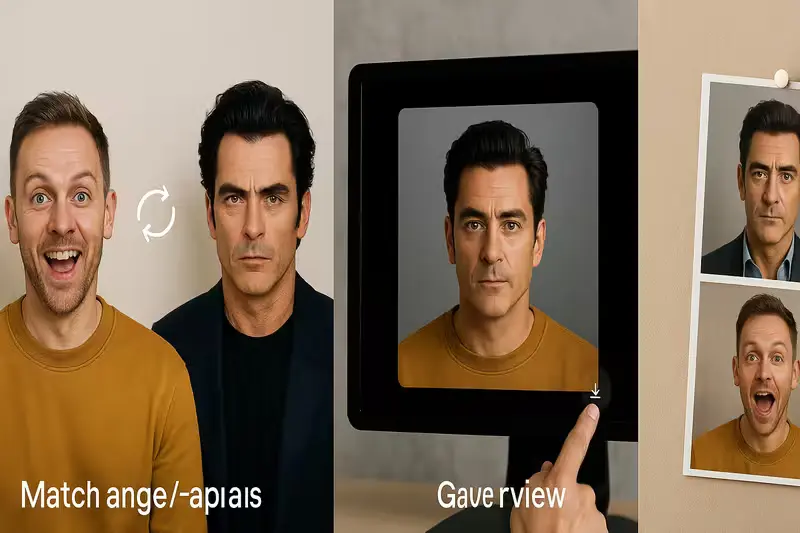
- Use good lighting. A clear photo works wonders.
- Match angles between the face you’re swapping and the one you’re replacing.
- Preview before finalizing. Don't waste a credit on something you don’t love.
- Try both personal and sample images—you’ll get a better feel for what’s possible.
Final Thoughts: Give It a Shot, Have Some Fun
When I first clicked on Wefaceswap, I was expecting five minutes of fun and a quick delete. Instead, I ended up exploring digital art, laughing with friends, and even brainstorming marketing visuals.
Whether you’re an artist, content creator, marketer—or just someone who loves to try new tech—these two free credits are your ticket to something creative. It’s fast, fun, and surprisingly useful.
So go ahead: sign up, upload your favorite photo, and see where your imagination takes you. You might discover a whole new side of yourself—literally.